What Equipment Do I Need to Stream TV? (Beginner-Friendly Guide)
TL;DR Summary: Ready to cut the cord and switch to streaming TV? You don’t need to be a tech expert! All you need is a TV with an HDMI port, a streaming device like Roku or Fire Stick, a decent internet connection, a streaming service subscription, and optionally, a universal remote or voice assistant. With these basics, you can start streaming hassle-free. Learn more about the essentials for streaming TV below.
Thinking about cutting the cord and switching to streaming TV? Great! But if you’re not exactly a tech wizard, you might be wondering: What equipment do I actually need to stream TV?
Don’t worry — it’s not nearly as complicated as it sounds. Whether you’re brand new to streaming or helping someone else make the switch, this guide will walk you through everything you need (and what you don’t).
1. A Smart TV or TV with an HDMI Port
You don’t need a fancy new smart TV to stream. If your television has an HDMI port — and most TVs made in the last 10–15 years do — you’re good to go. That port lets you plug in a streaming device like a Roku, Fire Stick, or Apple TV.
If you already have a smart TV, you might not even need anything extra. Most smart TVs come with built-in apps like Netflix, YouTube, and others — though the built-in software is often slow or clunky. More on that in a second.
2. A Streaming Device (If Your TV Isn’t Smart)
If your TV isn’t smart — or if it is, but the apps are frustrating — then you’ll want a dedicated streaming device. These small plug-and-play gadgets connect to your TV via HDMI and give you access to tons of streaming apps.
Popular options include:
- Roku – Simple interface, beginner-friendly
- Amazon Fire Stick – Fast, affordable, Alexa-enabled
- Apple TV – Higher-end, great if you’re in the Apple ecosystem
- Google Chromecast – Best for casting from your phone
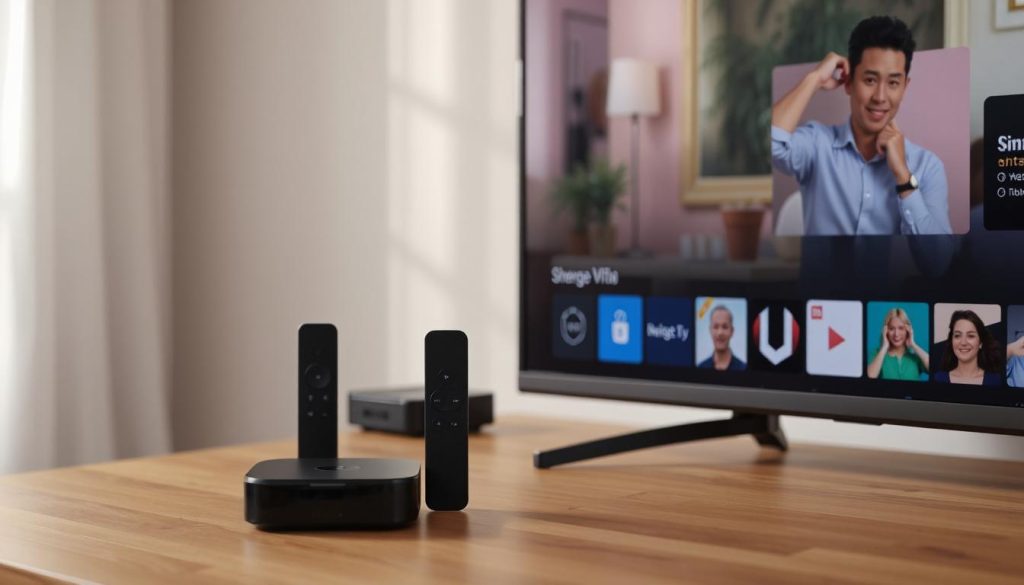
Most of these cost between $30–$50 and only take a few minutes to set up. You just plug them in, connect to Wi-Fi, and start downloading apps like Netflix, Hulu, or whichever service you’re using.
3. A Decent Internet Connection
To stream smoothly, you’ll need a good internet connection. It doesn’t have to be blazing fast, but it should be stable. Here’s a quick breakdown:
- 5–10 Mbps per stream for standard definition (SD)
- 10–20 Mbps per stream for high definition (HD)
- 25+ Mbps per stream for 4K Ultra HD
If you have multiple people streaming at the same time (Netflix in one room, YouTube in another, etc.), you’ll want higher speeds to avoid buffering.
Pro Tip: A wired Ethernet connection is more stable than Wi-Fi — but not always practical. If you’re using Wi-Fi, make sure your router is fairly new and placed centrally in your home.
4. A Streaming Service Subscription
Once you’ve got your gear set up, you’ll need to choose one (or more) streaming services. Some popular options include:
- Netflix – For movies and original shows
- Hulu – For next-day network TV and on-demand content
- Disney+ – For family-friendly and Marvel/Star Wars content
- Paramount+, Peacock, HBO Max – For network and premium programming
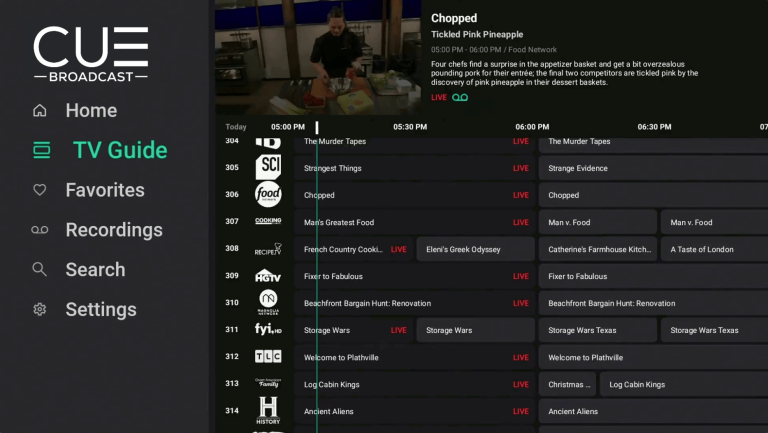
- CUE – 1,000+ channels including local channels, sports, movie channels, on-demand
- Live TV apps – For watching local channels, sports, and live events
Each service has its own monthly price and channel lineup, so think about what you actually watch before subscribing to everything at once.
5. Optional: A Universal Remote or Voice Assistant
If you want to make things even easier, you can grab a universal remote that controls your streaming device and your TV — or use a voice assistant like Alexa or Google Assistant.
This is especially helpful for older adults or anyone who wants to skip the endless clicking through menus.
6. You Can Stream on Phones, Tablets, and Laptops, Too
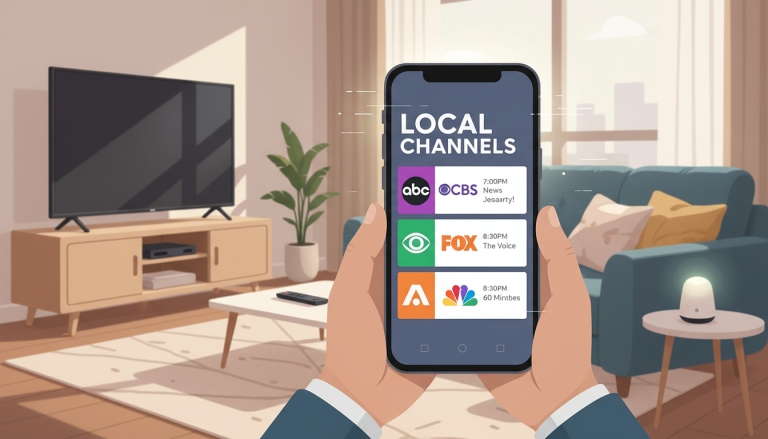
Streaming doesn’t stop at your TV. Most services also have apps for smartphones, tablets, and laptops. That means you can watch your shows on the go, whether you’re commuting, traveling, or just don’t feel like getting off the couch.
All you need is a Wi-Fi or mobile data connection and the app for your streaming service. Just download it, sign in, and you’re good to go.
Bonus: Many apps let you download content to watch offline — great for flights or data-limited plans.
FAQs About Streaming TV Over the Internet
- Do I need a smart TV to stream?
- Nope! Any TV with an HDMI port will work if you use a streaming device like a Roku or Fire Stick.
- What internet speed do I need to stream?
- At least 10 Mbps per device for HD, 25+ Mbps for 4K. Faster is better if multiple people stream at once.
- Can I still get local channels?
- Yes! Many live TV streaming services offer local channels, or you can use a digital antenna to pick them up over the air.
Final Thoughts
Streaming TV isn’t just for techies. With a basic setup — TV, internet, a streaming device, and a service or two — you can be up and running in no time. You don’t need fancy gear or a ton of subscriptions. Just the right tools and a bit of know-how.
Cutting the cord really can be simple — and now you know exactly what you need to make it happen.
📄 Download a PDF of This Article