Can I Watch Local TV Channels on My Phone?
TL;DR Summary: Yes, you can absolutely watch local TV channels on your phone. The easiest way is to use a live TV streaming service that includes local stations and has a mobile app. CUE Broadcast lets you stream live local news, sports, and network channels on your iPhone or Android, without a cable box or antenna, as long as you have internet or mobile data.
Short Answer: Yes, You Can Watch Local Channels on Your Phone
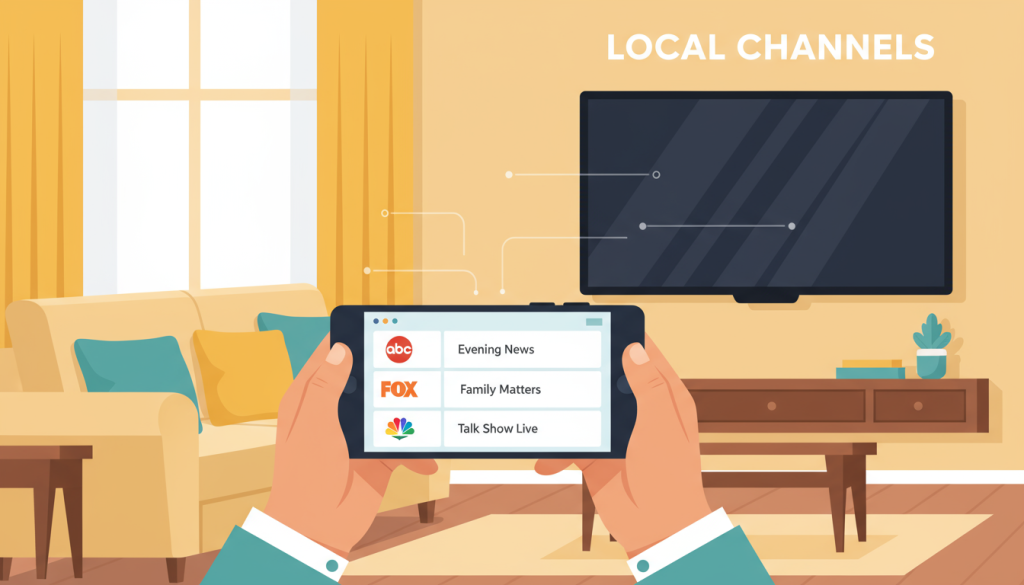
If you have a modern smartphone and a decent internet connection, you can stream local channels like ABC, CBS, FOX, NBC, and more right on your phone. Instead of using an antenna hooked up to a TV, you’re simply using an app that delivers those channels over the internet.
There are a few ways to do this:
- Apps from your cable or satellite provider (if you still have one)
- “Big name” live TV streaming services
- IPTV-style streaming services that include local channels
This article focuses on that last option, because that’s where CUE Broadcast comes in and makes things simple and affordable.
What Counts as a “Local TV Channel” Anyway?
When most people say “local TV,” they mean the big broadcast networks and regional stations that carry:
- Local news and weather
- Network shows (primetime dramas, sitcoms, etc.)
- Local sports and some national games
- Special events in your area
Traditionally, you picked these up over the air with an antenna or through a cable box. Now, services like CUE Broadcast stream those same channels over the internet, so your phone becomes your “TV.”
3 Main Ways to Watch Local Channels on Your Phone
1. Your Cable or Satellite Provider’s App
If you still pay for cable or satellite, your provider probably has an app (Spectrum, Xfinity, etc.). You log in with your account and can watch many of your channels on your phone.
The downside? You’re still paying full cable prices, plus you’re usually limited to their app and their equipment fees.
2. Big Live TV Streaming Services
Services like YouTube TV, Hulu Live, and similar “cable replacement” services offer local channels and come with mobile apps. They work, but the price points are getting closer and closer to old-school cable.
Cost-wise, these can be pretty steep if you’re just trying to get locals, a few sports channels, and some basic cable favorites.
3. CUE Broadcast: Local Channels + Cable-Style Lineup on Your Phone
CUE Broadcast is an internet-based TV service (IPTV/OTT) that delivers:
- Thousands of live TV channels
- Hundreds of sports channels
- Nationwide local channels
- Movies, series, and on-demand content
All of that works on phones, tablets, smart TVs, and more through the CUE app and web player. You don’t need a cable box, and you’re not locked into a contract.
Does CUE Broadcast Work on iPhones and Android Phones?

Yes. CUE has apps for major platforms, including:
- iPhones & iPads – Download from the Apple App Store.
- Android phones & tablets – Download from Google Play.
- Other devices like Firestick, smart TVs, and web browsers if you want to watch on a bigger screen later.
Once you’ve signed up and installed the app, you log in and your live TV guide—locals included—comes along with you on your phone.
How to Watch Local TV on Your Phone with CUE (Step-by-Step)
If you’re specifically wondering, “OK, but how do I actually make this work?” here’s the quick walkthrough.
Step 1: Sign Up for CUE
First, you’ll sign up for a CUE account. You’ll get:
- Access to thousands of channels (including local stations)
- A login or unique code to use in the app
- Instructions for installing the app on your devices
If you’re comparing options, look at CUE’s monthly cost versus what you’re paying now for cable, YouTube TV, or Hulu Live. It’s usually more budget-friendly, especially for the number of channels you get.
Step 2: Install the CUE App on Your Phone
On your phone:
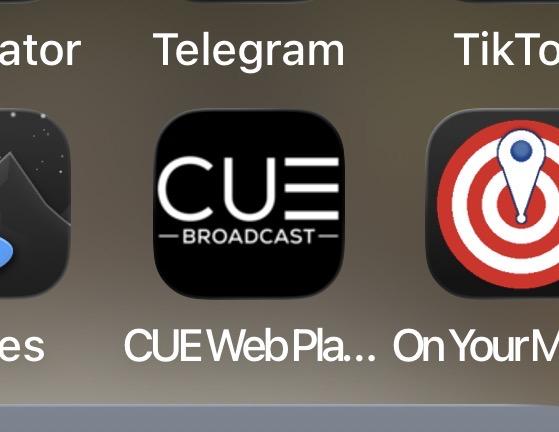
- iPhone: Open the App Store, search for “CUE Broadcast” or “CUE Broadcasts,” and install the app.
- Android: Open Google Play, search for “CUE Broadcast,” and install the app.
Installation takes about the same amount of time as any other streaming app.
Step 3: Log In with Your CUE Credentials
After the app installs:
- Open the app on your phone.
- Enter your email/password or the unique code you received when you signed up.
- Wait a moment for your account and channel guide to load.
Once you’re logged in, you’ll see a full channel lineup, including local stations and cable channels.
Step 4: Find Your Local Channels
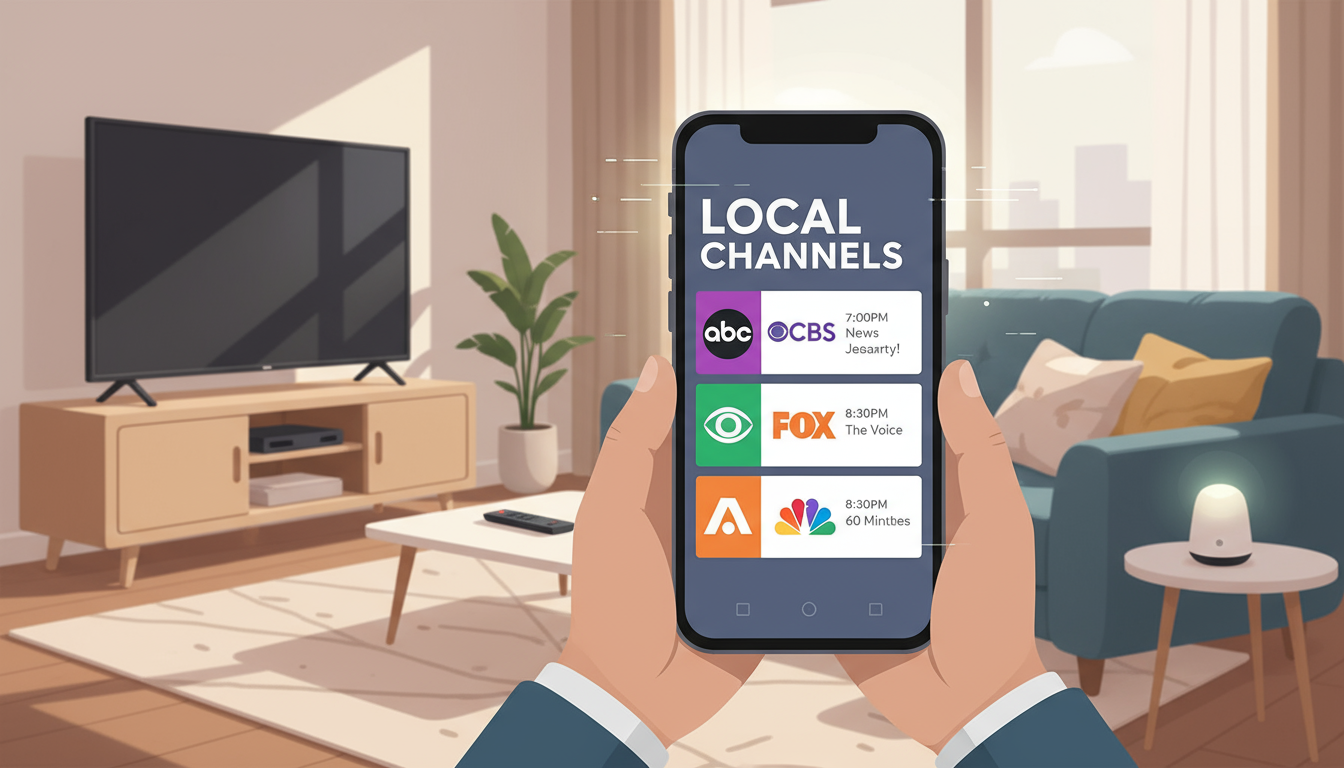
Your local stations are usually easy to spot in the guide. Look for channels like:
- ABC, CBS, FOX, NBC
- Local independent channels
- Regional sports and news channels
Tap on the channel you want, and it will start streaming live on your phone. Turn your phone sideways for full-screen, or keep it vertical if you’re multitasking.
Step 5: Take Your Local TV Everywhere
At this point, your phone basically is your TV:
- Watching local news while traveling? Easy.
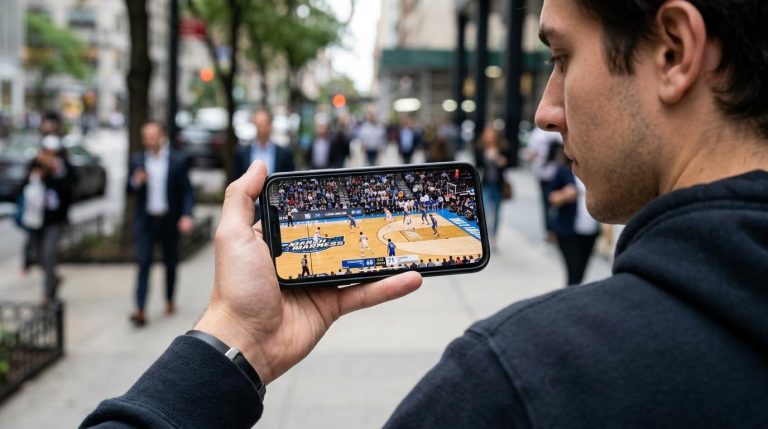
- Checking the game during a break? Just open the app.
- Keeping up with weather alerts when the power’s out? Use mobile data and your phone battery.
As long as you have Wi-Fi or mobile data, you can stream your local channels through CUE on your phone.
What About Data Usage and Wi-Fi?
Local channels streamed over the internet use data just like Netflix or YouTube. A few tips:
- On Wi-Fi: You’re usually fine. This is the best way to watch if you’re at home, a friend’s house, or somewhere with a solid connection.
- On mobile data: Streaming HD video can burn through a data cap quickly. If your plan is limited, keep an eye on usage or lower the quality in the app’s settings if available.
- Traveling: Hotel Wi-Fi or hotspot + CUE on your phone = your local channels traveling with you.
Can I Cast from My Phone to My TV?
In many setups, yes. If you’re using a streaming device like a Firestick, Chromecast, or smart TV, you can start the stream on your phone and either open the CUE app on that device or cast/mirror your screen (depending on your hardware).
That gives you the best of both worlds: watch on your phone when you’re mobile, then bump it up to the big screen when you’re home.
Can I Watch Live TV on My Phone for Free?
“Free” live TV on your phone is possible, but there are a few trade-offs. It usually comes down to one of three options:
- Totally free apps with limited channels
- Network or local station apps with narrow content (news only, clips, or delayed episodes)
- Free trials of paid services
Some local stations have their own apps where you can stream newscasts or special events for free. There are also “free TV” apps and FAST services that offer live channels, but they typically do not include all your local broadcast networks in one place.
Here’s the bottom line:
- Yes, you can watch some live TV on your phone for free – usually a mix of niche channels, older shows, and limited news feeds.
- No, you typically won’t get a full, reliable lineup of local channels for free – especially if you want sports, primetime shows, and a consistent guide.
That’s where a service like CUE Broadcast makes sense. You’re paying a low monthly price, but you get:
- A full channel lineup (locals, sports, news, and more)
- Apps that work across your devices
- A simple, cable-like guide that feels familiar
Get CUE for Free
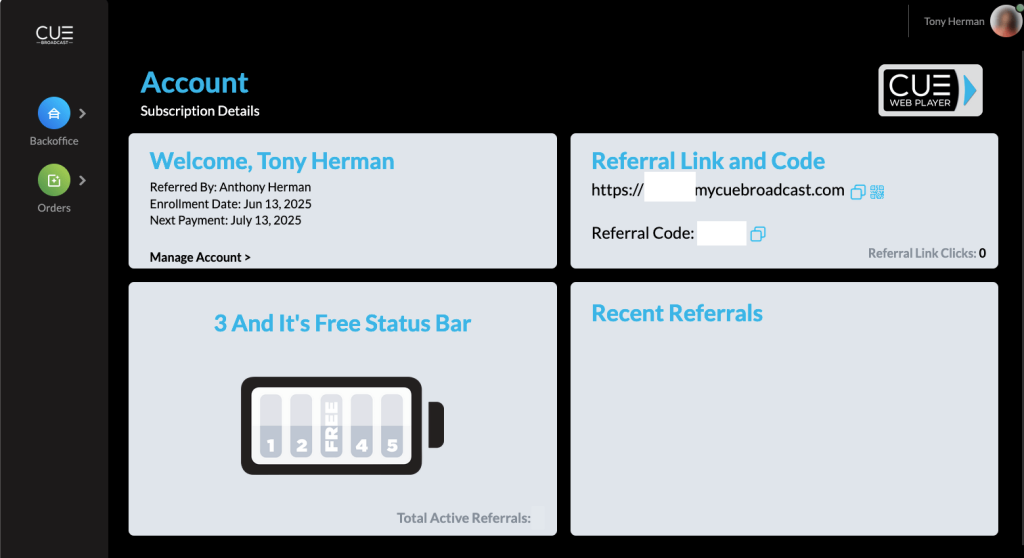
If you sign up 3 people, you get CUE Broadcast for free. It’s so easy to do, and they can also refer 3 people and get it for free. This is a no-brainer… the best TV for no cost.
FAQs: Watching Local TV Channels on Your Phone
Can I watch local channels on my phone for free?
There are some free apps and services that offer limited local content, but they usually don’t carry all the major networks and often have restrictions. To reliably get the big local stations plus cable-style channels on your phone, you’ll typically need a paid service like CUE Broadcast.
Do I need an antenna if I use CUE?
No. CUE streams your channels over the internet, so there’s no antenna or cable box to install. You just need the app and a subscription.
Can I watch my local channels while traveling?
Yes. One big advantage of watching local channels on your phone with a streaming service is that you can take them with you. As long as you have internet access, you can open the CUE app and watch live TV wherever you are.
Is the quality as good as watching on a regular TV?
On a modern smartphone with a strong connection, HD channels look great. In many cases, the picture quality on your phone can be just as sharp (or sharper) than what you get from an older cable box hooked up to a non-4K TV.
Can I use the same CUE account on more than one device?
Yes. One of the big perks of a streaming service like CUE is that you can run it on multiple devices in your home—phones, tablets, streaming sticks, and smart TVs—without paying for extra boxes or long-term contracts.
Glossary of Terms
- Local TV channels
- Broadcast stations in your area that carry local news, weather, sports, and network programming (e.g., ABC, CBS, FOX, NBC).
- Streaming service
- A service that delivers TV channels and on-demand content over the internet instead of through a cable or satellite box.
- IPTV / OTT
- Internet-based TV delivery. IPTV/OTT services send TV channels over the internet to apps on phones, tablets, and TVs.
- Mobile app
- A software application you install on your phone or tablet to access a service—in this case, CUE’s TV streaming platform.
- Data usage
- The amount of internet bandwidth your device uses. Streaming HD video uses more data than simple web browsing or email.
- Casting / screen mirroring
- Sending video from your phone to a TV or streaming device so you can watch on a larger screen.
- Live TV
- TV channels broadcast in real time, as opposed to shows and movies you pick from an on-demand library.
📄 Download a PDF of This Article