Can I Replace Cable With a Firestick?
Yes, you can replace cable with a Firestick—if you pair it with the right streaming services and have a reliable internet connection. The Firestick itself is a streaming device, not a content provider. It doesn’t include channels or live TV out of the box, but it gives you access to services that do.
With the right setup, you can ditch cable entirely, save money, and still watch your favorite shows, sports, and live events.
TL;DR: Yep, you can ditch cable and use a Firestick—but only if you’ve got decent internet and subscribe to the right streaming services (like CUE Broadcast). The Firestick doesn’t come with live TV out of the box, but it opens the door to way cheaper, more flexible options. Bye-bye cable bill.
What is a Firestick and How Does it Work?
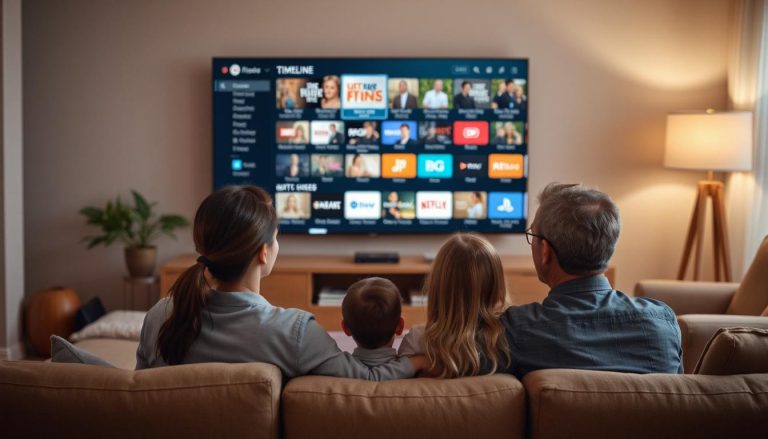
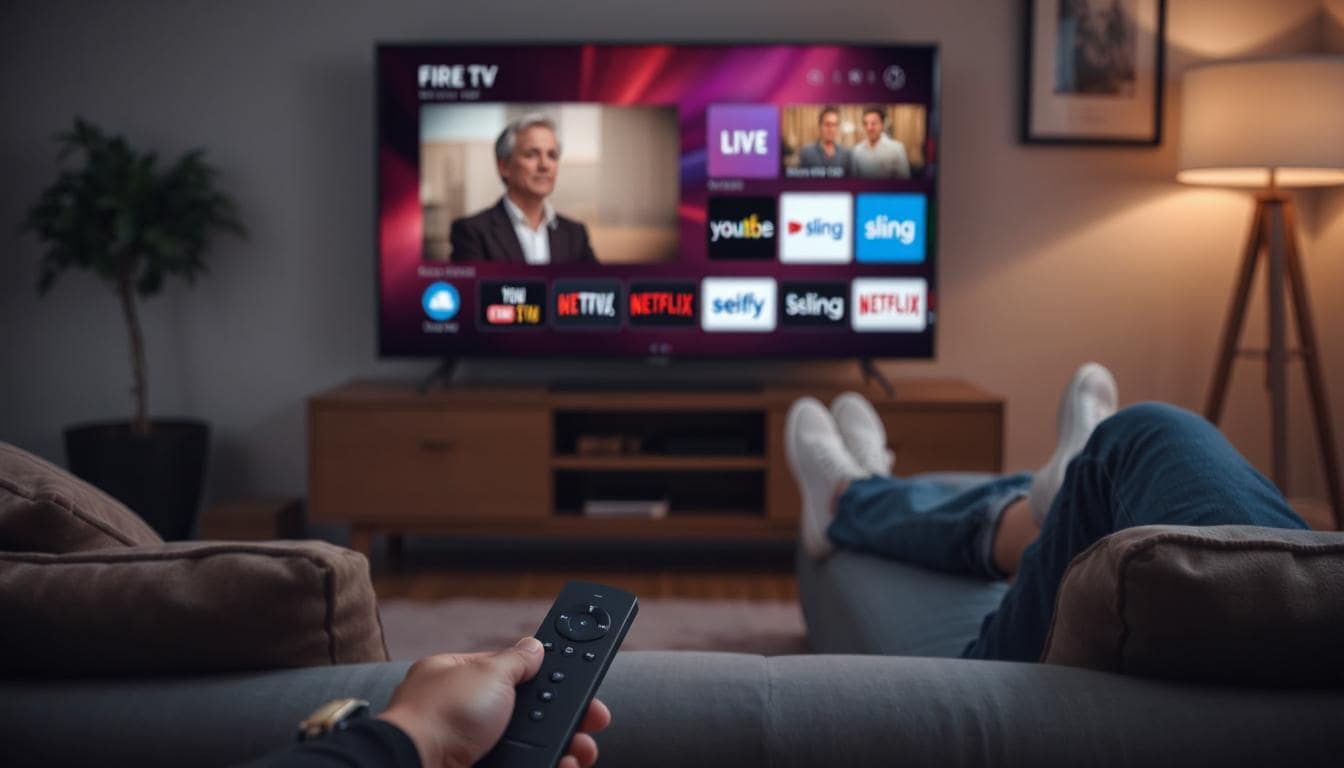
The Amazon Fire TV Stick plugs into your TV’s HDMI port and connects to your Wi-Fi. It turns any compatible TV into a smart TV, letting you download and use streaming apps like:
What Can’t a Firestick Do?
However, the Firestick itself doesn’t include local TV channels, cable programming, or live sports by default. You need to sign up for third-party services to stream that content. It does have some internet streaming channels that you get, but they’re not like premium channels.
What You Need to Fully Replace Cable
To cut the cord completely and rely on a Firestick, you’ll need:
- Reliable Internet: At least 25 Mbps for HD streaming; more if multiple devices are active.
- Streaming Services: Pick the ones that cover your must-haves—live TV, sports, movies, etc.
- Optional: Digital Antenna: Great for picking up local channels like ABC, NBC, and CBS for free.
This setup gives you most of what cable offers, with more control and often a lower monthly bill.
Best Streaming Services for Live TV on Firestick
If live TV is important, here are top Firestick-compatible streaming services to consider:
CUE Broadcast
- Over 1,000 live channels across sports, news, and entertainment
- Premium movie channels like STARZ, HBO, Showtime, Cinemax and more
- Unlimited on-demand content
- Local channels for many areas in the US
- Works on up to 5 devices simultaneously
- $59.99/month ($2/day) – no contract, cancel anytime (with an option to get it for free)
- $14.99 for a 15-day trial ($1/day)
YouTube TV
- Roughly 100 channels, including local stations
- Unlimited cloud DVR
- $72.99/month
Hulu + Live TV
- 90+ live channels, plus Hulu’s full streaming library
- Includes Disney+ and ESPN+
- $76.99/month
Sling TV
- Customizable plans starting at $40/month
- Lower cost, fewer channels
- Local channels may require an antenna
What You Might Miss From Traditional Cable
Even with the right streaming service, you may notice some differences compared to traditional cable:
- Local Channels: Not every service includes them, though some do.
- Channel Flipping: It’s not quite the same experience, but many apps now offer grid-style guides.
- DVR Features: Some services include cloud DVR, but it may work differently than a cable box.
Tips for Making the Switch Smoothly
- Test Your Internet: Use Speedtest to make sure your connection is strong enough.
- Use Free Trials: Try different services before canceling cable.
- Voice Controls Help: The Firestick remote supports Alexa voice search—use it.
- Preload Apps: Set up and organize your streaming apps ahead of time.
Final Thoughts: Is Firestick a Good Cable Replacement?
Yes—as long as you pair it with the right streaming service. The Firestick is a flexible, affordable way to stream content, but the experience depends entirely on what apps and services you use.
If you’re looking for a full cable replacement, CUE Broadcast delivers a traditional TV experience with massive channel variety, on-demand access, and multi-device support—all without the contracts or bloat of cable.
Frequently Asked Questions
Do you need a subscription for Firestick?
No, there’s no monthly subscription fee just to use the Firestick. However, most of the content you’ll want to watch—like movies, live TV, or sports—requires subscriptions to apps like Netflix, Hulu, or CUE Broadcast. The device gives you access to these platforms, but they are paid services.
What is the option with CUE Broadcast to get it for free?
CUE has a “Refer 3, Get it Free” program where if you refer 3 people, you get CUE for free as long as they stay signed up. And… those 3 also get the same deal – they can also refer 3 people each. It’s a no-brainer.
What is the best app on Firestick for live TV?
The best live TV app depends on your needs, but CUE Broadcast is a top option with 1,000+ channels and no contracts. Other strong choices include YouTube TV, Hulu + Live TV, and Sling TV, each offering different channel packages and price points.
Can I get local channels on Firestick?
Yes, services like YouTube TV and Hulu + Live TV offer access to local stations in many areas. You can also pair your Firestick with a digital antenna using apps like HDHomeRun to stream local over-the-air channels directly through your network.
Does Firestick work without internet?
No, a Firestick requires an internet connection to stream content. Without Wi-Fi, the device can’t load apps or play shows. You can’t watch Netflix, YouTube, or live TV without a stable internet connection.
Is Firestick better than Roku for cutting cable?
It depends on your preferences. Firestick is great if you’re already in the Amazon ecosystem or use Alexa. Roku offers a simpler interface and more neutral app experience. Both devices support the major streaming services and can replace cable effectively when paired with the right apps.
Do I really need cable TV anymore?
For most people, no. Streaming services on a device like Firestick offer everything from live sports and local news to on-demand shows and movies. Unless you need a very specific channel package or have limited internet, cutting cable is a smarter, more flexible option.
Can I get rid of cable and use Fire Stick?
Yes, as long as you have internet and subscribe to the right streaming apps, you can ditch cable completely. The Firestick becomes your new entertainment hub for live TV, movies, sports, and more.
Is there a monthly fee for Amazon Fire Stick?
No, there’s no monthly fee to use the device itself. You buy it once. After that, you only pay for the streaming services you choose, like CUE Broadcast, Netflix, or Hulu. And you can access Amazon or other channels with your Firestick.
📄 Download a PDF of This Article